1
Start the campaign
Choose the system and campaign frame, then let the rest of the work build outward from that starting point.
RPGadget is the desktop home for Game Masters who want to build worlds, prep sessions, support players, and run the game without juggling a whole pile of disconnected tools.
Use this page as a fast, friendly briefing for anyone who needs to pitch the product clearly and keep the vibe fun.
Most Game Masters end up patching a campaign together from notes apps, map tools, chat threads, folders, and whatever else gets the job done. RPGadget pulls those jobs back into one place so the campaign feels easier to run and easier to grow.
The cleanest message is simple: RPGadget follows the way a real GM already works. Start the campaign, build what you need, bring players in, and keep using the same app when the session starts.
Choose the system and campaign frame, then let the rest of the work build outward from that starting point.
Create or import maps, source material, and session content inside the same app instead of bouncing between disconnected products.
The same campaign data helps keep players informed, synchronized, and excited without relying on a bunch of improvised side channels.
When the session starts, the GM does not swap into a different main tool. RPGadget stays at the center of the action.
The screens are proof, not the pitch. Each one should point back to a real GM job: start the campaign, choose the game, build content, or run the table.
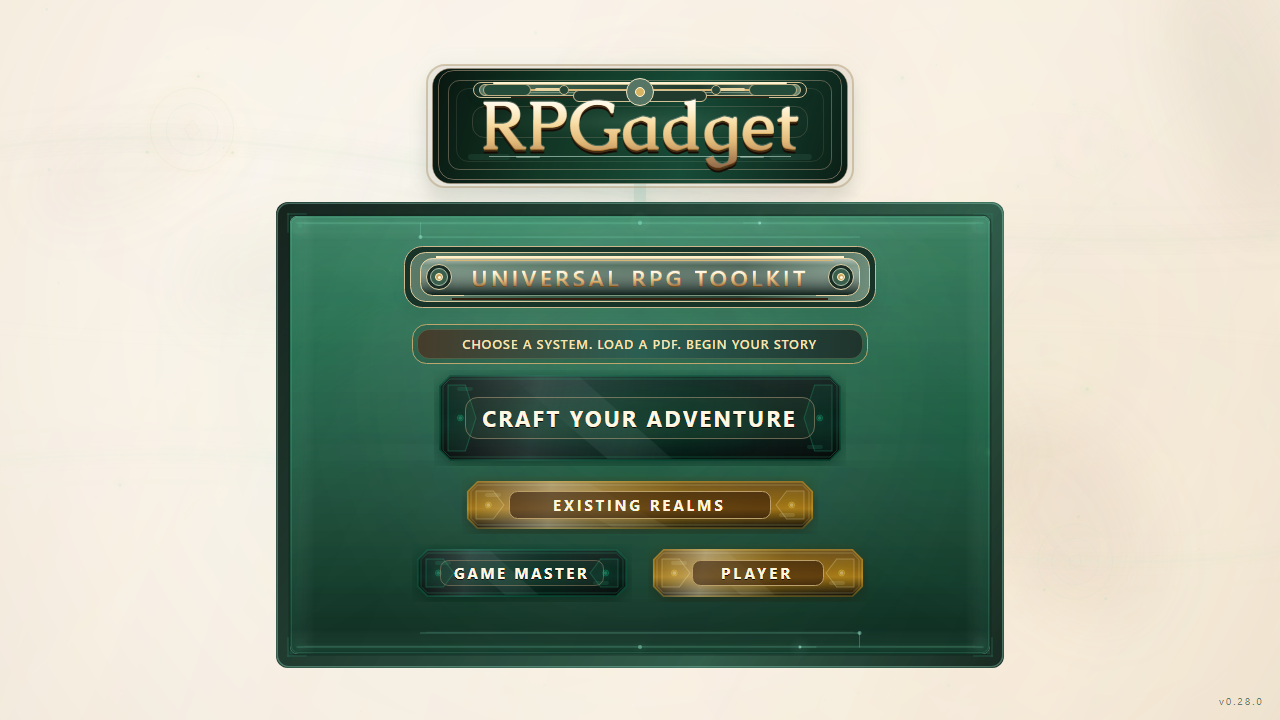
Use RPGadget as the place you come back to when you want to start something new, reopen an existing world, or jump straight into the tools you need.
What to say:This is the front door for the whole campaign workflow.
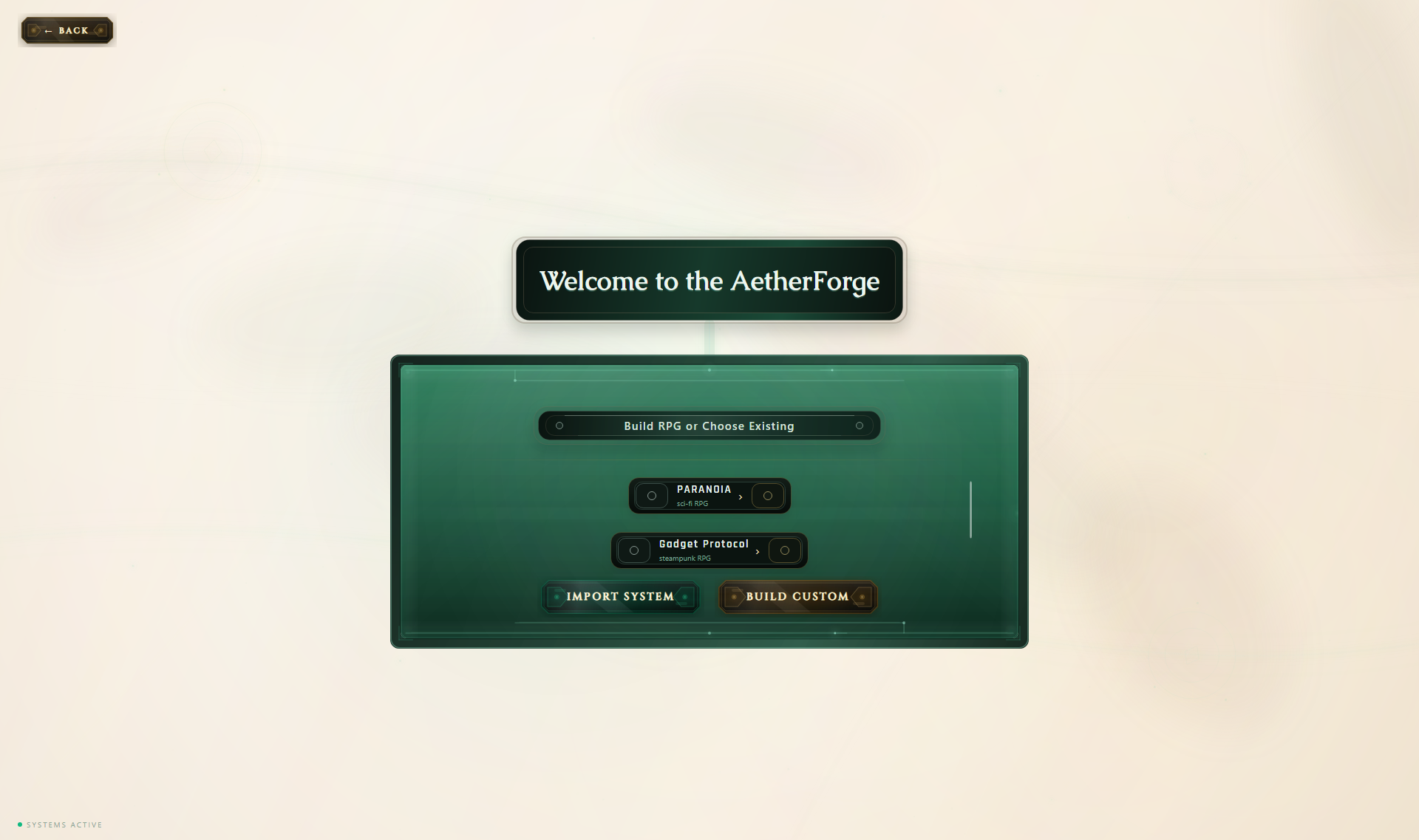
Choose the ruleset you need and keep the rest of the campaign tied to that choice from the beginning.
What to say:RPGadget works across multiple systems instead of locking the GM into one game line.
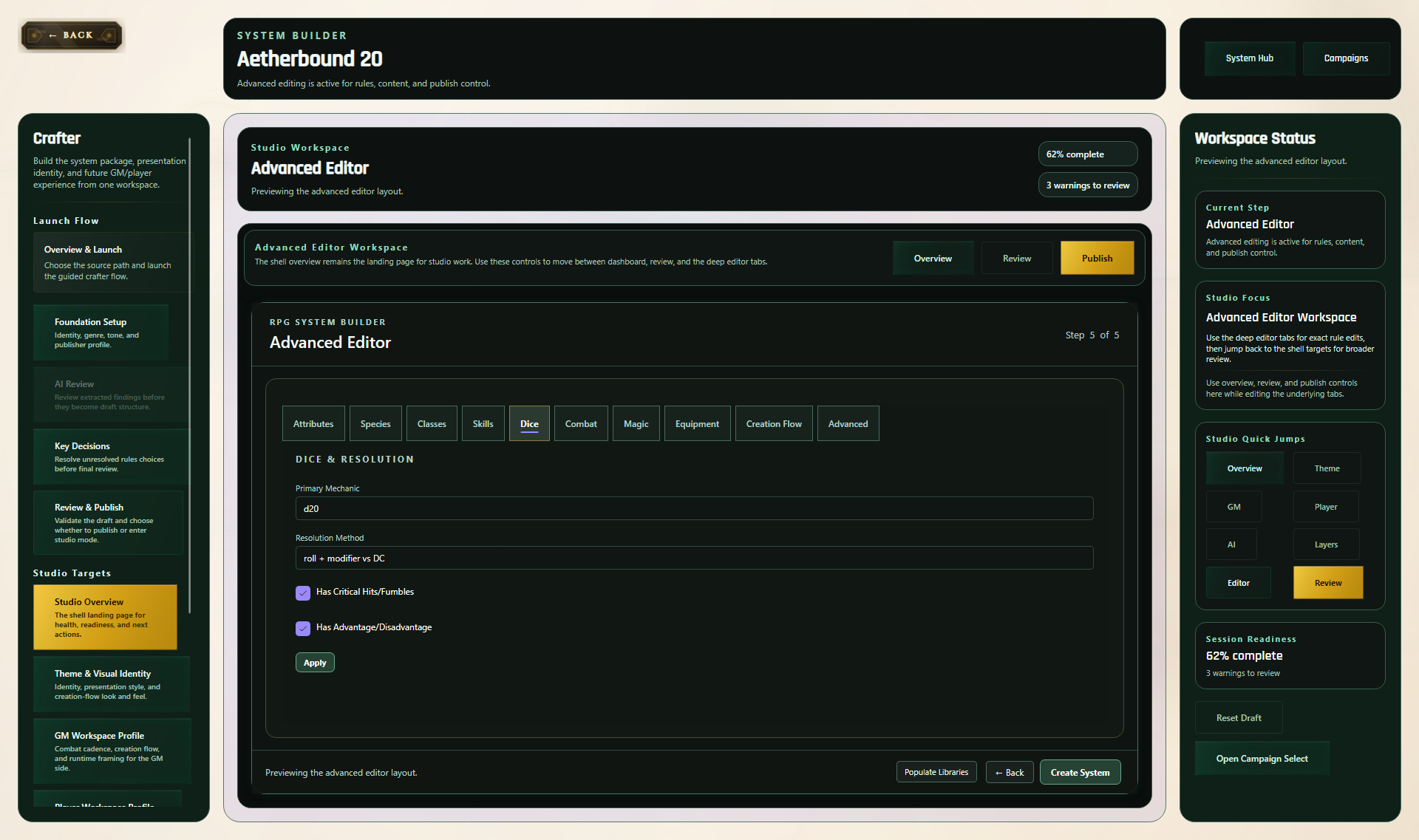
Create a new ruleset, customize an existing one, or support a homebrew campaign without leaving the app the table already uses.
What to say:RPGadget is useful for custom tables too, not just prebuilt games.
The Paranoia screens are useful because they prove RPGadget is not just a generic organizer. It can carry a real game with a real tone from setup into active play.
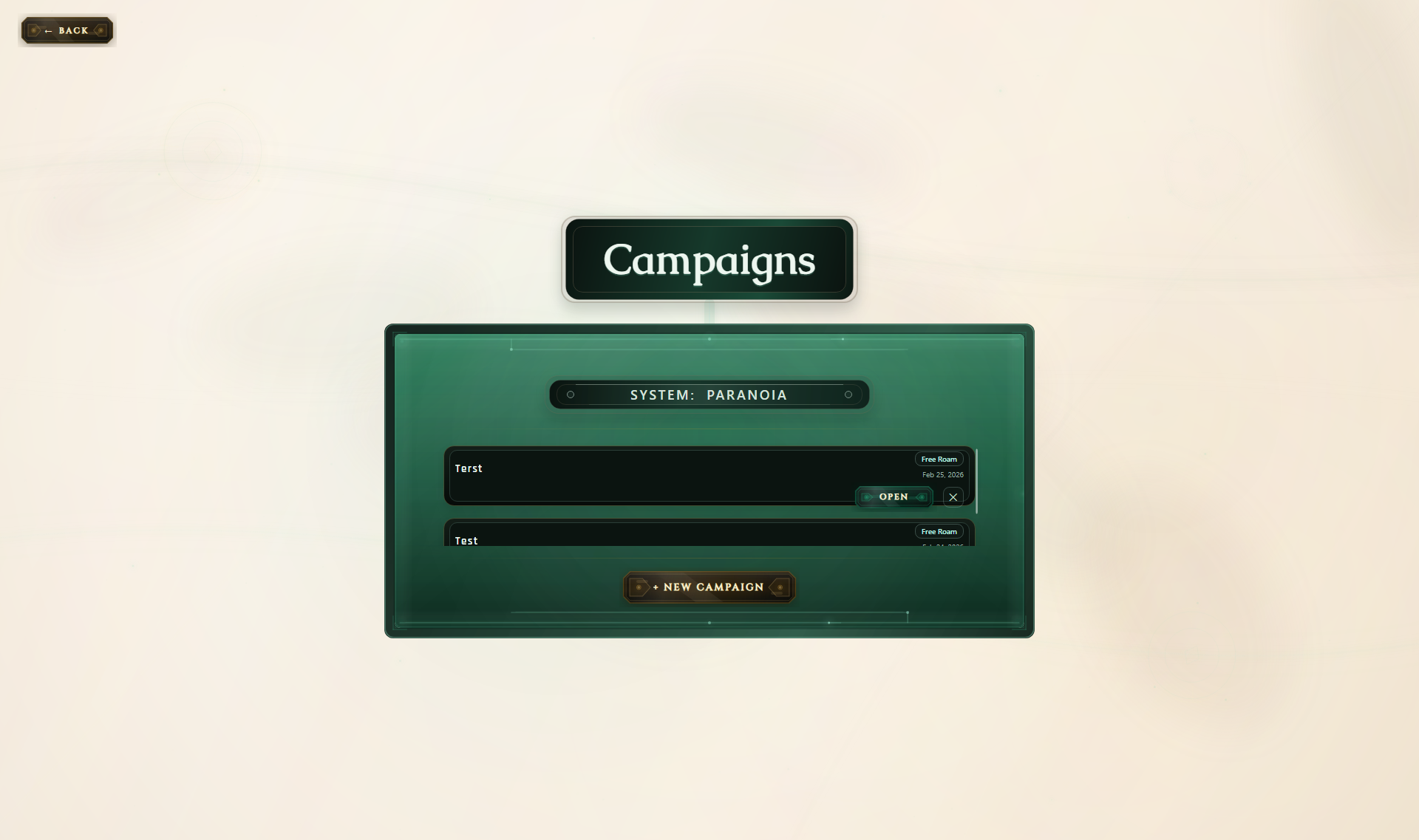
Open the exact campaign you want instead of stopping at setup, menus, or detached reference screens.
What to say:This is where the GM chooses the exact Paranoia campaign they want to open.
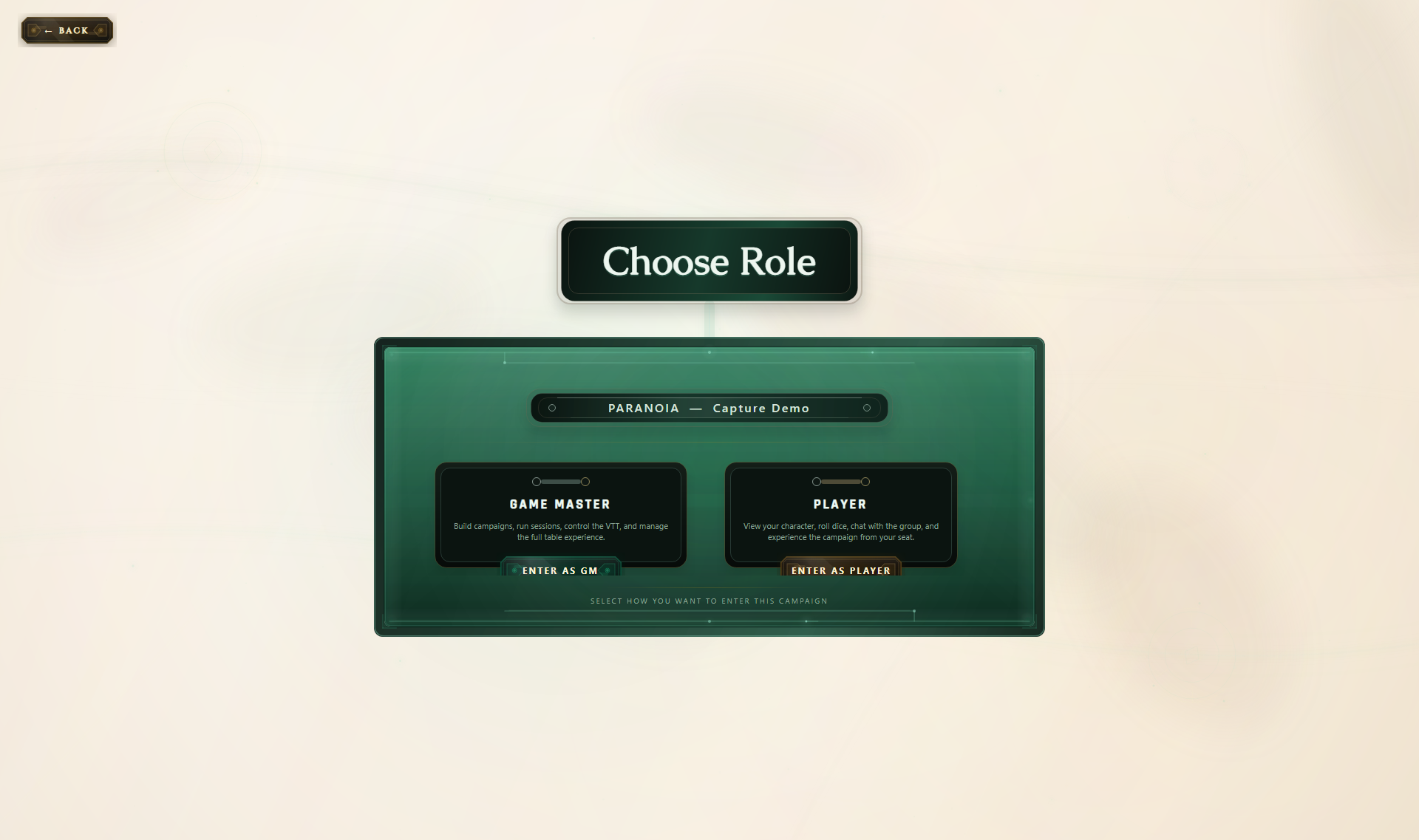
Give the GM and the players their own path into the same campaign without splitting the group across random tools.
What to say:This is where the user enters the campaign as either the Game Master or a Player.
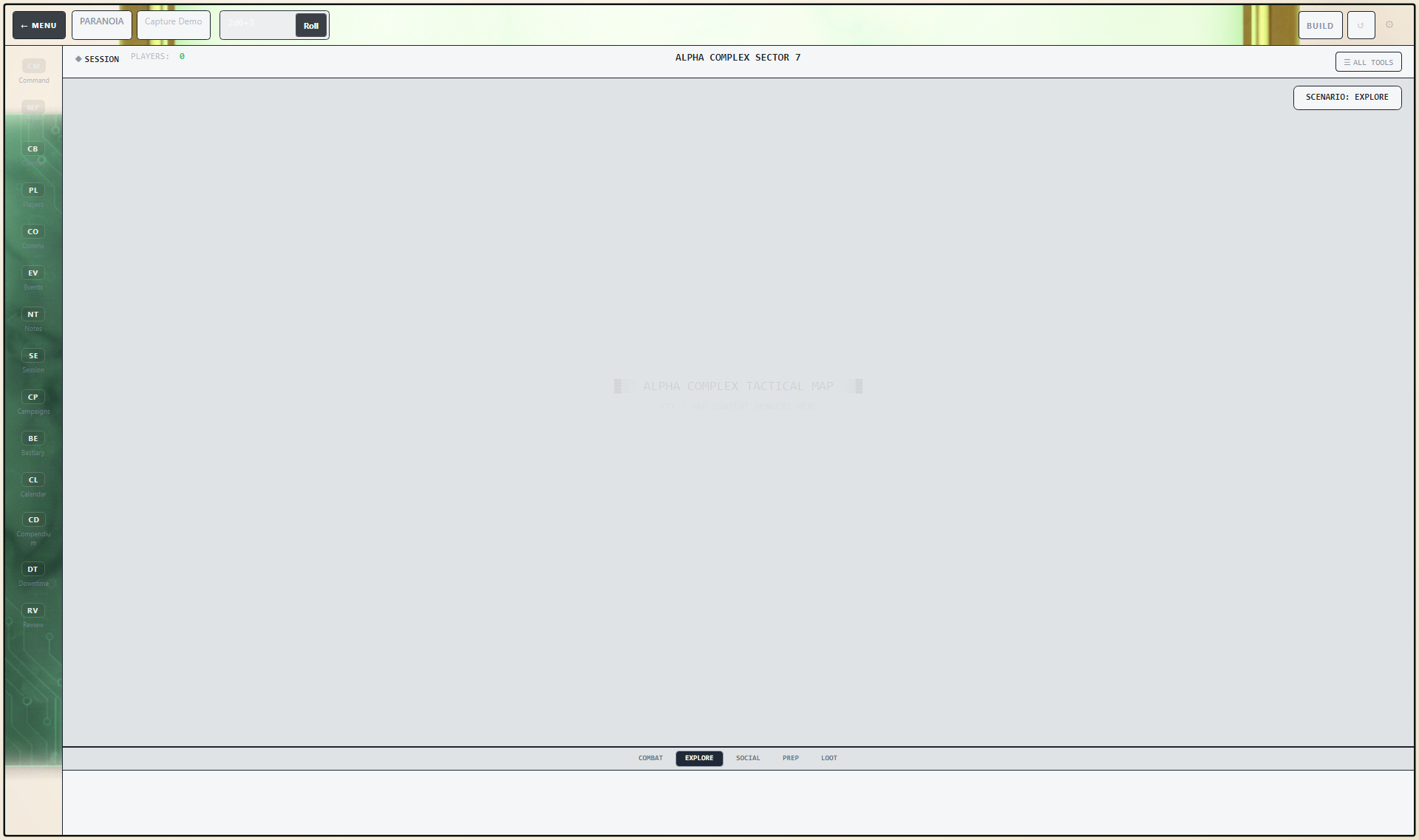
Run the active game from the same app that already holds the rest of the campaign context.
What to say:This is where the GM runs the active Paranoia game from inside the main RPGadget workspace.
This is where the value story really lands: the same tool helps the GM bring material in, build on it, and keep using it during the session.
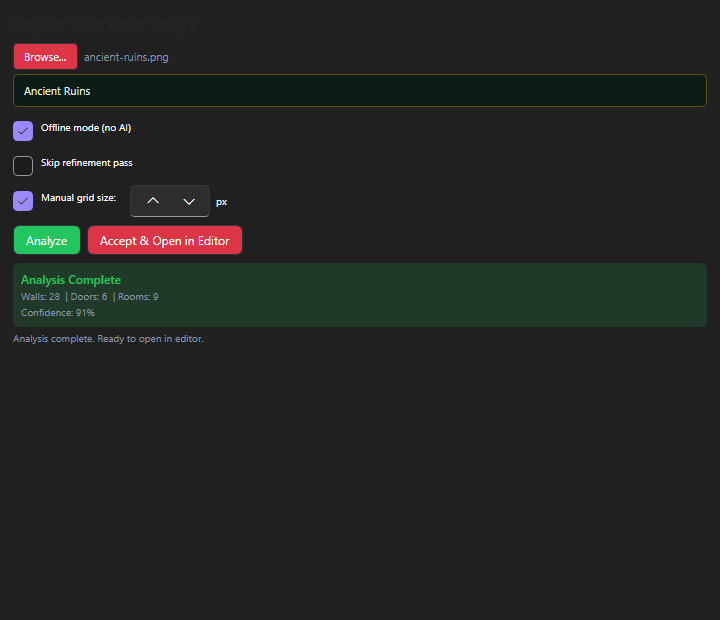
Bring outside material into the app instead of forcing every campaign to start from zero.
What to say:This is where the GM takes outside assets and turns them into usable session material.
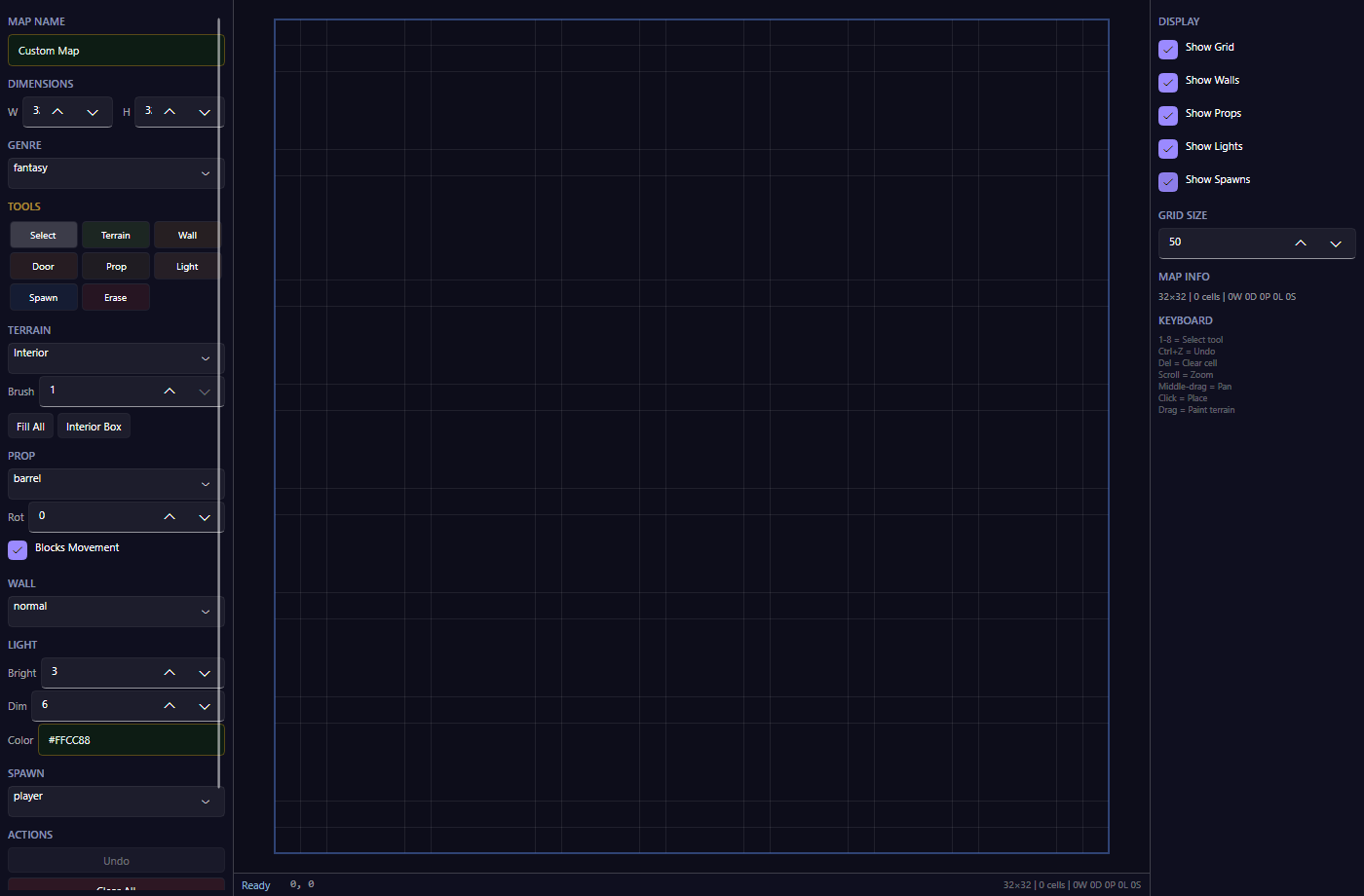
Build or adjust playable spaces without leaving the rest of the campaign behind in another product.
What to say:This is where the GM builds or adjusts the space the players will explore.
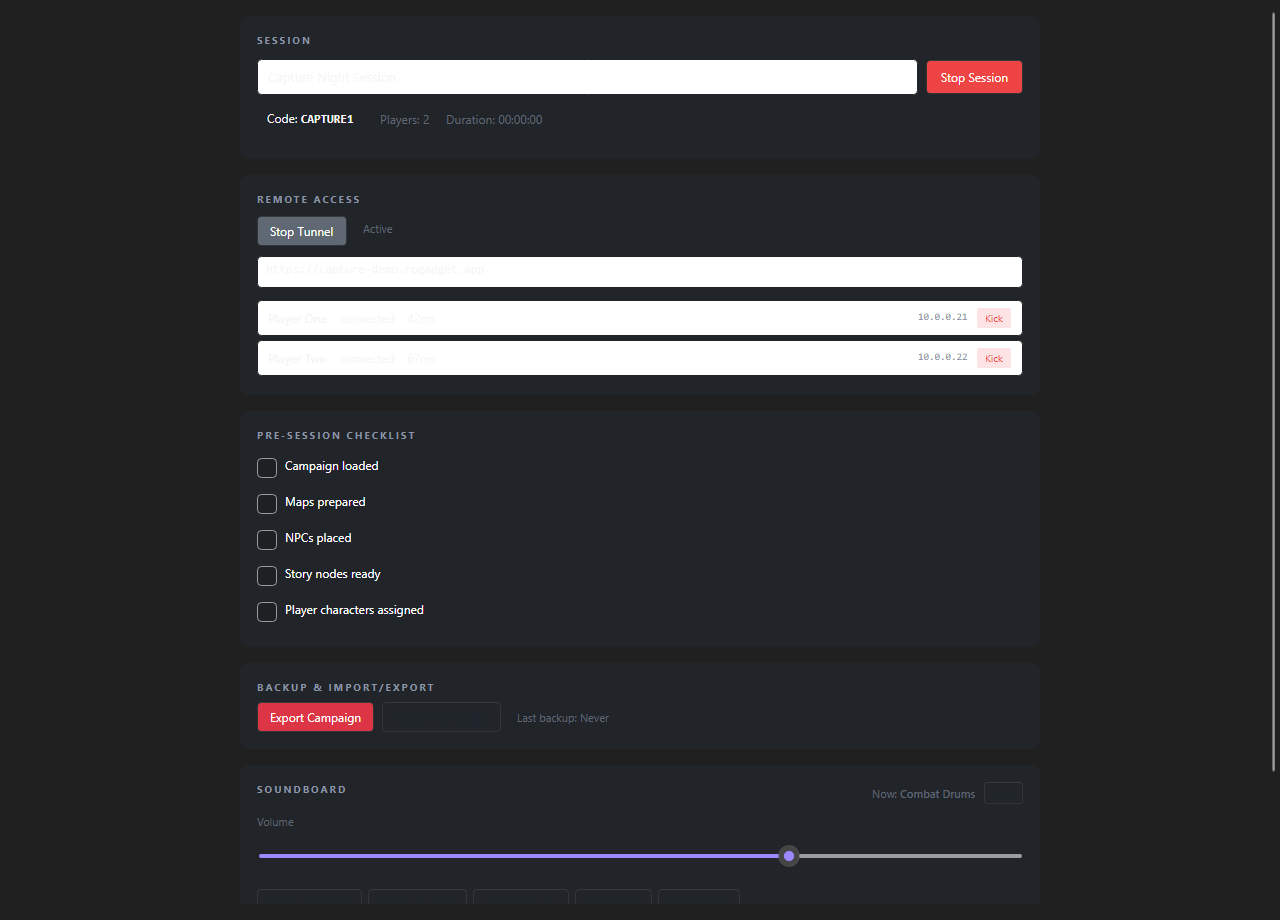
Keep using the same app after prep is done. The campaign tools and live session tools stay connected instead of drifting apart.
What to say:This is where the GM manages the active session, remote access, connected players, and session readiness.
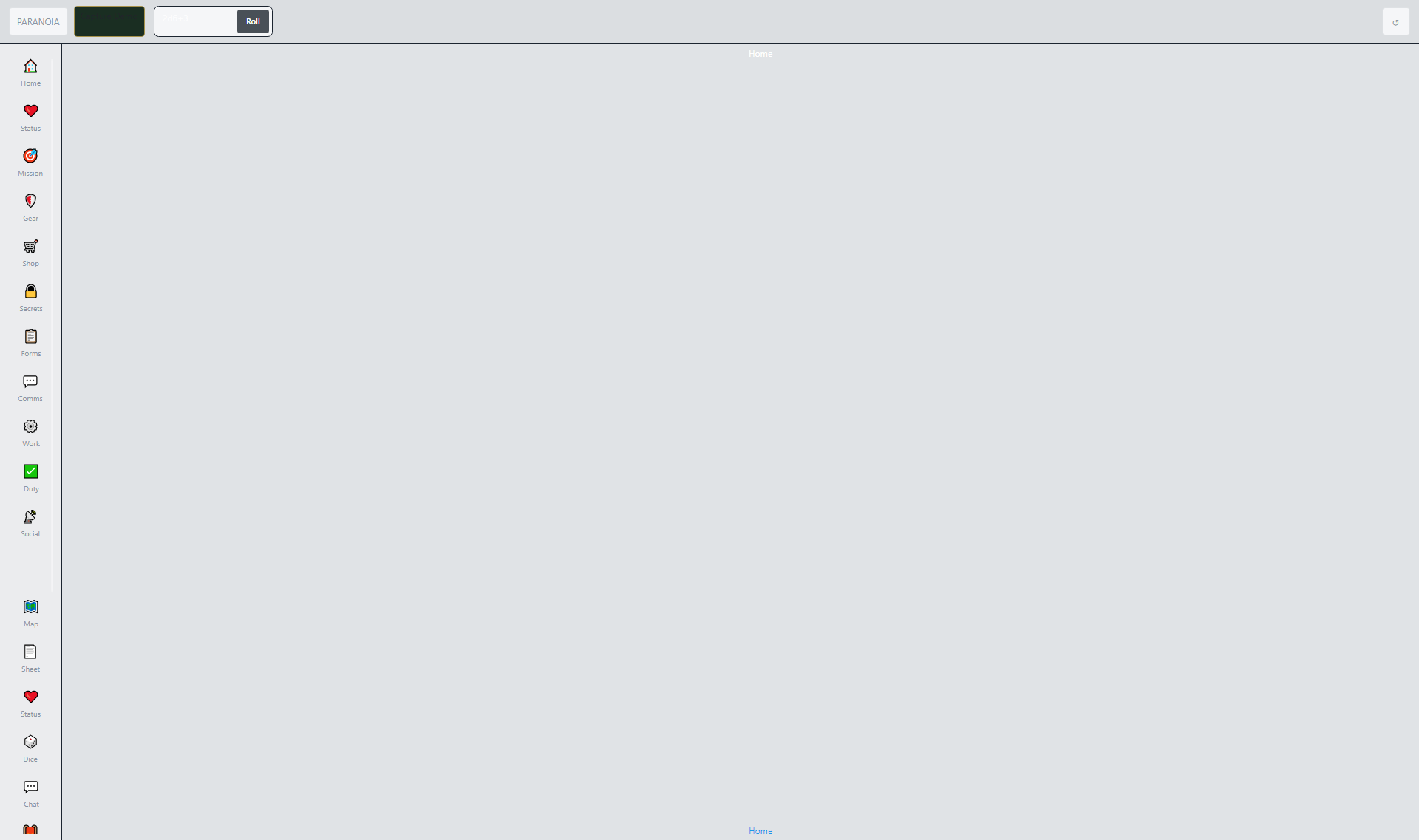
Players get their own connected side of the campaign instead of relying on side apps, links, and workarounds.
What to say:This is the player-facing side of the product, where players can access the campaign from their own role entry path.
The value is not just a long feature list. The value is keeping the useful parts together instead of scattering them across different apps and folders.
Keep the message simple and upbeat. RPGadget is the place where a GM can dream up the campaign, build what the table needs, support players, and run the session without bouncing between apps.
RPGadget is a desktop app for Game Masters who want one place to build worlds, organize campaigns, support players, and run sessions.
The strongest message is that RPGadget helps replace the GM's stack of notes tools, map tools, import tools, player support tools, and session tools with one consistent place to run the whole adventure.
This overview keeps the product message simple, warm, and focused on what the app helps Game Masters do at the table.